How to Create a Social Media Content Calendar That Actually Works in 2026
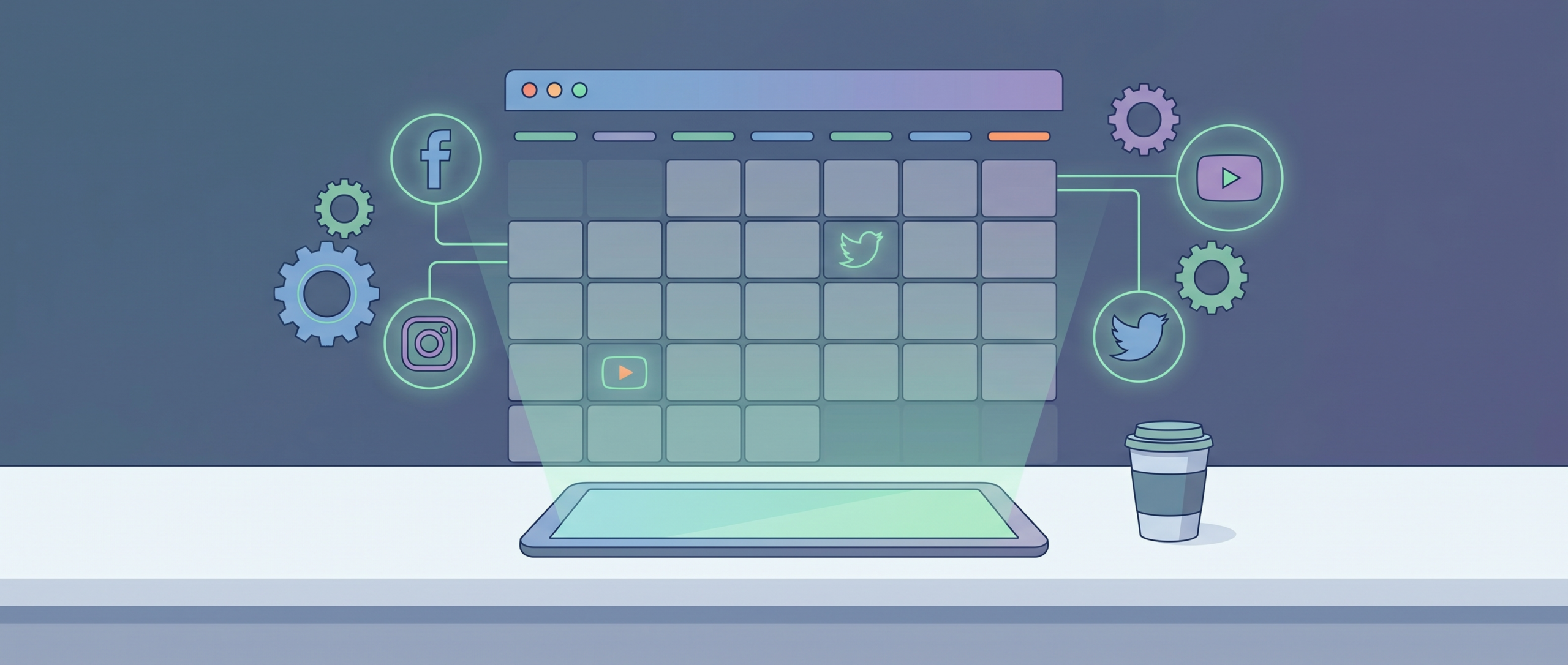
Consistency is the single biggest predictor of social media success, and a well-structured content calendar is the infrastructure that makes consistency possible. Yet most content calendars fail not because of poor template design but because they’re divorced from strategy — they tell you what to post and when, but not why. This guide shows you how to build a content calendar that’s grounded in strategy, flexible enough to survive real-world execution, and built to compound results over time.
Why Most Content Calendars Fail
The most common failure modes: over-engineering the calendar with rigid daily themes that leave no room for trending moments; filling the calendar with posting obligations before establishing a content strategy; treating the calendar as a one-person responsibility rather than a team workflow; and failing to build in review cycles to adapt based on performance data.
Strategy Before Calendar
Before opening any calendar template, define: who is your specific target audience, what single action do you want them to take, what mix of content pillars serves both your audience and your business goals, and what is the realistic production capacity of your team.
Building Your Content Pillar Framework
Content pillars are the 3–5 themes that define your content mix. Every piece of content you create should map to one of these pillars, ensuring thematic consistency while preventing the content calendar from becoming a random collection of unrelated posts.
The 4 Content Pillar Archetypes
Educational content: teaches your audience something valuable. Builds authority and trust. Entertainment/inspirational content: generates positive emotional association with your brand. Community content: invites participation, asks questions, runs polls. Promotional content: directly promotes products or offers. Should be limited to 15–20% of content mix.
Content Calendar Template Structure
| Column | What to Include | Why It Matters |
|---|---|---|
| Date + Platform | Publish date, platform(s) | Scheduling and cross-posting coordination |
| Content Pillar | Educational/Entertainment/Community/Promo | Ensures balanced content mix |
| Format | Reel/carousel/text/story/long-form | Production planning |
| Topic/Headline | Specific topic or post hook | Content brief for creator |
| Caption Draft | Draft text, hashtags, CTA | Production ready copy |
| Visual Brief | Visual description or asset link | Designer/editor handoff |
| Status | Idea/In production/Ready/Scheduled/Live | Workflow visibility |
Monthly, Weekly, and Daily Planning Cadence
Monthly Strategy Session (60–90 minutes)
At the start of each month: review previous month’s performance data, identify key dates and trends in the coming month, allocate your content mix across pillars, and set 3 monthly content goals.
Weekly Production Session (90–120 minutes)
Each week: finalize content topics for the next 7–10 days, batch-create or brief-out content for production, schedule posts via your scheduling tool, and review current week’s performance. The goal is to always be 7–14 days ahead of publishing.
Best Social Media Scheduling Tools in 2026
The right scheduling tool makes the difference between a calendar that runs smoothly and one that becomes a source of stress. The best tools in 2026 offer cross-platform scheduling, analytics integration, and AI-powered posting time optimization.
- Buffer ($6/mo) — Simple scheduling, clean UI, all major platforms
- Later ($25/mo) — Visual grid planning, Instagram-first, strong analytics
- Hootsuite ($99/mo) — Enterprise social management, deep analytics
- Sprout Social ($249/mo) — Agency + enterprise, CRM integration
- Notion/Airtable ($10–20/mo) — Custom calendar builds, full flexibility
FAQ: Social Media Content Calendars
How far in advance should I plan my content calendar?
Plan themes and key dates 4 weeks ahead, specific content topics 2 weeks ahead, and finalize captions and visuals 1 week ahead. This rolling window balances planning with flexibility to respond to real-time trends.
Should I use a spreadsheet or dedicated tool?
Spreadsheets work well for solo creators. Dedicated tools add value once you’re managing multiple platforms, have a team producing content, or need analytics integrated with planning.
How do I handle trending moments in a planned calendar?
Leave 20–30% of calendar slots unfilled as “flex spots” for real-time trending content. A fully packed calendar will cause you to miss viral opportunities.
What content mix ratio should I aim for?
A common effective ratio: 40% educational, 30% entertainment/relatable, 20% community-building, 10% promotional. Adjust based on what your audience responds to.
How do I maintain a content calendar as a solo creator?
Batch creation is the key. Dedicate one session per week to producing all upcoming content. A simple Notion or Airtable template with status tracking prevents things from slipping through.
Conclusion
A winning social media content calendar isn’t about rigid perfection — it’s about creating enough structure to ensure consistency while remaining flexible enough to capitalize on real-time opportunities. Start with strategy, build a simple planning system appropriate for your team size, and use data to continuously refine your content mix. The goal is a calendar that makes content creation easier, more consistent, and more strategically coherent — not more stressful.