Content Repurposing Guide: How To Turn One Piece of Content Into 10 Without Starting Over
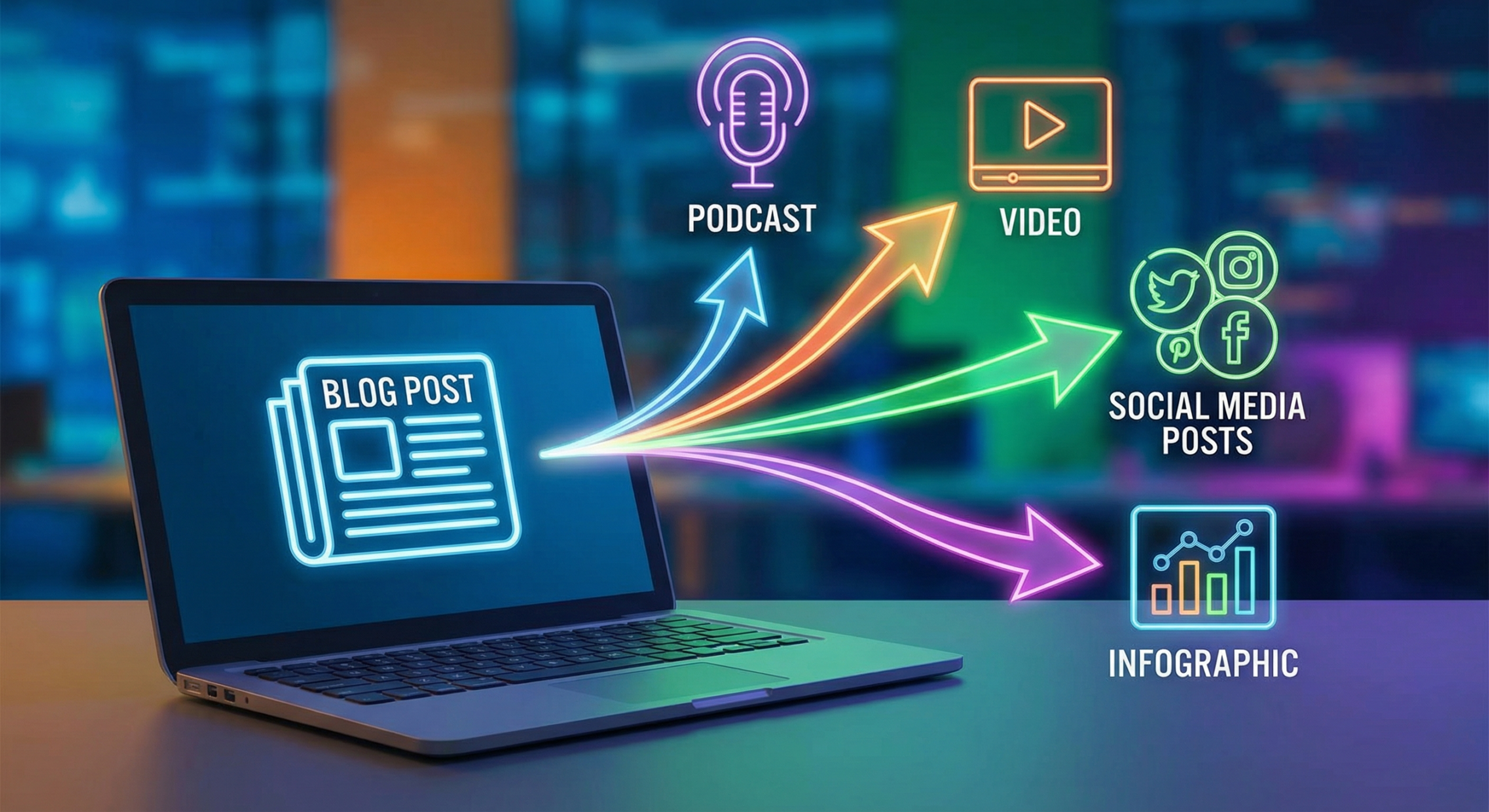
Creating great content takes serious time and effort. Most brands publish once and move on, leaving enormous value on the table. Content repurposing lets you multiply your output without multiplying your workload, and it is one of the smartest strategies in digital marketing today.
What Content Repurposing Actually Means
Content repurposing is not just copying and pasting the same text across platforms. It means transforming a single piece of content into different formats tailored to different audiences. Done right, one strong piece of content can power your entire content calendar for weeks.
Repurposing vs. Republishing
Republishing means posting the same content in the same format on a new platform. Repurposing means adapting the content to fit a new format and context. Repurposing produces better results because each platform has its own preferred content style and audience behavior.
Why Repurposing Multiplies Your ROI
Every piece of content you create represents a time investment. Repurposing that content into five or ten new formats multiplies the return on that investment significantly. You spend time creating once, then extract value from that effort across many channels and formats.
The Compounding Effect of Repurposed Content
Each repurposed piece can attract a different segment of your audience. Some people prefer reading long articles. Others prefer short videos, infographics, or audio. Repurposing ensures your ideas reach every format preference your audience has.
How To Choose the Right Pillar Content To Repurpose
Not every piece of content is equally worth repurposing. Focus your energy on content that already performs well or has strong evergreen potential. Starting with proven content reduces the risk of investing repurposing effort in material that does not resonate.
Identifying Your Best-Performing Content
Check your analytics for top-performing blog posts, videos, or social posts. High traffic, long read time, and strong engagement are all signals that a piece is worth repurposing. Your audience has already voted on what they find valuable.
Prioritizing Evergreen Topics
Evergreen content covers topics that stay relevant for years, not just weeks. A post about “how to write a compelling headline” will be useful for a long time. Timely content can be repurposed too, but evergreen material gives you more long-term leverage.
Checking Keyword and Search Potential
Before you repurpose a piece, verify that it targets a keyword with ongoing search demand. Use Google Search Console to see if your original piece already drives organic traffic. Strong search performance is a green light to repurpose aggressively.
10 Ways To Repurpose One Piece of Content
The following formats represent the most practical repurposing options for most brands. You do not need to use all ten every time. Pick the formats that fit your channels and audience preferences, and build from there.
Turn a Blog Post Into a Video Script
Your blog post is already structured with a beginning, middle, and end. Use that structure as the foundation for a video script. You already know the key points, so scripting becomes fast and straightforward.
Convert an Article Into a Podcast Episode
Read your article aloud, add conversational commentary, and you have a podcast episode. You do not need fancy equipment to start. A clear USB microphone and free recording software are enough to produce a listenable episode.
Break It Into Social Media Posts
A 1,500-word article contains dozens of standalone insights. Pull out your best quotes, statistics, and tips as individual social posts. Schedule these posts to drip out over several weeks across your active platforms.
Design an Infographic From Key Data Points
Visual learners respond strongly to well-designed infographics. Pull the most important statistics, steps, or comparisons from your content. Free tools like Canva make professional-quality infographic design accessible to non-designers.
Build a Slide Deck or Presentation
Convert your article’s main sections into slides with simple bullet points and visuals. Publish the deck on SlideShare or use it as a lead magnet. Slide decks also work well as LinkedIn documents and branded downloadable resources.
Create a Downloadable Checklist or Template
If your content includes steps, tips, or a process, a checklist is a natural derivative. Checklists are easy to create, highly shareable, and make excellent lead magnets. A simple one-page PDF checklist can generate email subscribers for months.
Compile Multiple Posts Into a Long-Form Guide
Group related articles together and combine them into a comprehensive guide. This ultimate-guide format tends to attract strong backlinks and high search rankings. It also positions your brand as the authoritative resource on that topic.
Repackage It as a Webinar or Live Training
Your best-performing content is already validated by your audience. Turn it into a live or recorded webinar for a deeper dive. Webinars let you interact with your audience, answer questions, and build stronger connections.
Record a Short Video Summary
Film a two to four minute video that summarizes the key points from your article. Post it to your website, your video channel, and your social profiles. A short video summary captures attention in ways that text alone cannot.
Pitch It as a Guest Post or Feature
Use your content as the foundation for a pitch to industry publications. Rewrite and adapt the key argument for a different publication’s audience. Getting published elsewhere builds backlinks and exposes your ideas to a new, relevant audience.
Building a Repurposing Workflow That Runs Smoothly
Ad hoc repurposing wastes time and produces inconsistent results. A documented workflow makes the process repeatable and efficient. You should be able to hand repurposing tasks to a team member with minimal explanation.
Creating a Content Asset Inventory
Build a simple spreadsheet listing your existing content, its performance metrics, and its repurposing status. Note which pieces have been repurposed, into which formats, and which channels they have been shared on. This inventory prevents duplicated effort and makes gaps obvious.
Assigning Roles and Responsibilities
Decide who handles each step of the repurposing process. One person might extract social posts while another handles design. Clear role assignments prevent bottlenecks and keep your repurposing pipeline moving consistently.
Setting a Repurposing Cadence
Dedicate a fixed block of time each week or month to repurposing. Even two hours per week can produce ten to fifteen new content pieces from existing material. Consistent scheduling prevents repurposing from getting pushed aside by new content creation.
Content Repurposing Formats and Best Platforms
| Repurposed Format | Best Platform | Effort Level | Key Benefit |
|---|---|---|---|
| Social Media Posts | X (Twitter), Facebook, Threads | Low | Fast to produce, frequent posting |
| Short Video Summary | YouTube, website embeds | Medium | Reaches visual and video audiences |
| Infographic | Pinterest, blog posts, SlideShare | Medium | Highly shareable, drives backlinks |
| Podcast Episode | Spotify, Apple Podcasts | Medium | Reaches audio-first audience |
| Slide Deck | SlideShare, LinkedIn Documents | Medium | Professional audience reach |
| Downloadable Checklist | Landing pages, blog posts | Low | Lead generation asset |
| Comprehensive Guide | Your website | High | SEO authority, backlink magnet |
| Webinar or Training | Zoom, your website | High | Deep engagement, lead capture |
Frequently Asked Questions
Does repurposing content hurt my SEO?
No, as long as you adapt the content for each platform rather than copying it verbatim. Search engines index your original page, and derivative formats like videos or infographics live on different platforms. Thoughtful adaptation avoids any duplicate content concerns.
How do I know which formats to repurpose into first?
Start with the formats your audience already consumes. Check where your website traffic comes from and what content types your audience shares most. Match your repurposing effort to the platforms where your audience is already active.
How long does repurposing take compared to creating new content?
Repurposing typically takes 20 to 50 percent less time than creating from scratch. The research and structure are already done. You are adapting and reformatting, not starting over from a blank page.
Can I repurpose old content that is several years old?
Yes, especially for evergreen topics. Update outdated statistics, refresh examples, and adjust any advice that has changed. A refreshed older piece often outperforms brand-new content because it already has some SEO history and inbound links.
Should I repurpose every piece of content I create?
No. Focus repurposing on your best-performing and most evergreen content. Not every post deserves a full repurposing treatment. A quick audit of your analytics will quickly show you which pieces are worth the extra investment.
What tools help with content repurposing?
Canva handles graphic and infographic creation easily. Descript simplifies audio and video editing for podcast and video formats. A simple project management tool like Trello or Notion helps track your repurposing pipeline and assign tasks clearly.
How many times can I repurpose the same piece of content?
There is no strict limit. A single strong article can become a video, a podcast episode, an infographic, a checklist, a slide deck, a webinar, and a series of social posts. Each derivative feels fresh because it reaches a different audience in a different format.
Conclusion
Content repurposing is one of the highest-leverage strategies available to any content team. Instead of constantly chasing new ideas, you can build an entire content ecosystem from the strong work you have already done. Start with your best-performing pieces, pick two or three formats to test, and build a repeatable workflow from there. The brands that master repurposing publish more, reach further, and burn out less than those who start from scratch every single time.