Social Media Content Calendar: How To Plan 30 Days of Posts in 2 Hours
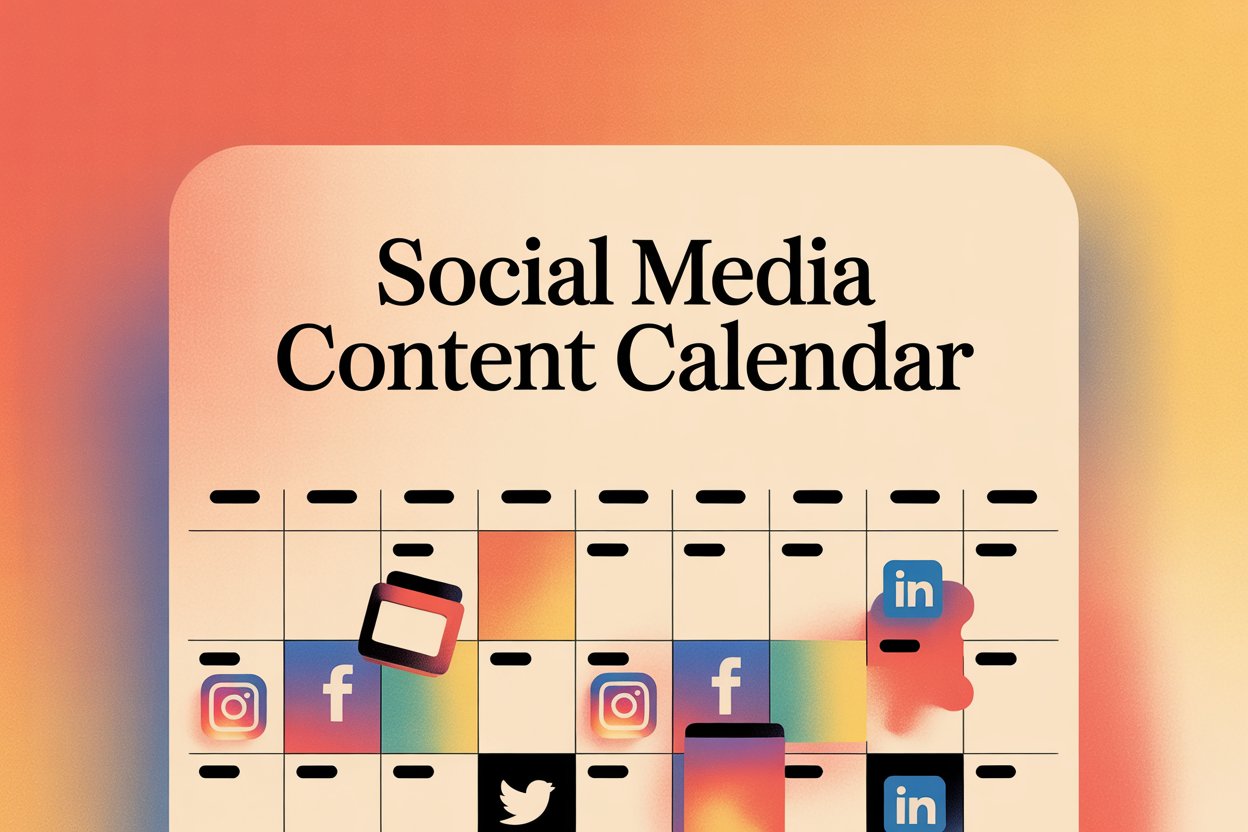
Content consistency is the single biggest driver of social media growth, yet most brands and creators struggle to maintain it. The problem is not a lack of ideas or effort; it is the absence of a system. A well-built content calendar transforms random, reactive posting into a strategic content engine that runs on autopilot. With the right process, you can map out an entire month of content in under two hours.
Why a Content Calendar Changes Everything
Without a content calendar, you are constantly starting from scratch. Every post requires a fresh decision about topic, format, platform, and message. This decision fatigue leads to inconsistency, missed posting days, and content that lacks strategic cohesion.
Consistency Builds Algorithmic Momentum
Every major social media algorithm rewards accounts that post consistently. When you publish regularly, algorithms learn your pattern and start proactively showing your content to your audience. A two-week posting gap can set back months of algorithmic momentum. A calendar makes consistency structural, not willpower-dependent.
Strategic Cohesion Drives Better Results
When you plan 30 days at once, you can see the bigger picture: whether you are covering your key topics, whether your promotional content is balanced with value content, and whether you are building toward a specific campaign or launch. Reactive posting almost never achieves this kind of strategic coherence.
The 2-Hour Content Calendar Framework
Block 1: Define Your Content Pillars (20 minutes)
Content pillars are the three to five core themes your account covers. Every post you create should fall under one of these pillars. For a digital marketing account, pillars might be: social media strategy, content creation, paid advertising, analytics, and case studies. Once you have your pillars, assign rough percentage weights to each.
Block 2: Map Your Month’s Events and Campaigns (20 minutes)
Before choosing topics, map all relevant dates: product launches, promotions, holidays, industry events, and seasonal moments. These become anchor points around which your other content is organized. A product launch needs teaser content, launch day posts, and follow-up social proof.
Block 3: Generate Topics (30 minutes)
With your pillars and anchor dates in place, fill the remaining days with topic ideas. Use AI tools like ChatGPT or Claude to generate 40 to 50 topic ideas across your pillars, then select the best 30. Group similar topics together to enable content batching, which significantly speeds up the creation process.
Block 4: Assign Formats and Platforms (20 minutes)
Match each topic to a content format: short video, carousel, single image, text post, poll, or story. Assign each to the appropriate platform or platforms. Variety matters: too many posts of the same format cause audience fatigue.
Block 5: Load Into Scheduling Tool (30 minutes)
Enter all posts into your scheduling tool with titles, format notes, and target dates. You do not need to create all the actual content today; you just need the calendar structure loaded so that when you sit down to create, you know exactly what to make.
Content Calendar Tools Comparison
| Tool | Best For | Platforms Supported | Price/Month | Key Feature |
|---|---|---|---|---|
| Buffer | Small teams | IG, FB, X, LinkedIn, TikTok | Free – $120 | Simple queue system |
| Hootsuite | Enterprise | All major platforms | $99 – $739 | Deep analytics |
| Later | Visual brands | IG, Pinterest, TikTok | $18 – $80 | Visual grid planner |
| Sprout Social | Agencies | All major platforms | $199 – $399 | CRM integration |
| Notion | Flexible teams | Manual publishing | Free – $16 | Fully customizable |
| Airtable | Content ops | Manual publishing | Free – $24 | Database power |
Content Batching: The Secret to Fast Execution
The Power of Batching Similar Content
Content batching means creating multiple pieces of similar content in one session. Instead of creating one Instagram carousel per day, you sit down once a week and create five carousels back to back. This approach is faster because you eliminate the context-switching cost of moving between different content types.
Setting Up a Weekly Batching Routine
Schedule one to two content creation blocks per week, typically two to three hours each. In each block, focus on one content type: one session for short-form videos, another for written content and carousels. Combined with your monthly planning calendar, this routine means you are never scrambling to create content at the last minute.
Adapting Your Calendar for Trends and Breaking News
A rigid content calendar that ignores real-world events looks out of touch. Build 20 to 30 percent of your calendar slots as “flex slots” that can be replaced by trending or timely content when needed. When a relevant trend emerges, swap out the nearest flex slot with the trend response content. This gives you the stability of a calendar with the agility to react to the moment.
Frequently Asked Questions
How far in advance should I plan my content calendar?
Monthly planning is the sweet spot for most teams. Plan themes quarterly, topics monthly, and specific posts weekly for the ideal balance of strategy and flexibility.
What should I do if I run out of content ideas?
Repurpose your best-performing older content, answer frequently asked questions from your audience, cover trending topics in your niche, share behind-the-scenes content, or interview experts. Keep a running content ideas document to ensure you never start from scratch.
How many posts per day is too many?
For most brands, one to two posts per day per platform is optimal. Posting more than three times per day typically results in diminishing returns and can feel spammy to your audience.
Should I plan Stories and Reels in my content calendar too?
Yes. All content formats that require planning and creation should be in your calendar. Stories can have more flexibility since they are more ephemeral, but Reels should be planned as carefully as feed posts.
How do I measure whether my content calendar is working?
Track engagement rate per post, follower growth rate, reach per content pillar, and which formats are driving the most saves and shares. Monthly, review what outperformed expectations and weight your next month’s calendar toward those formats and themes.
Can I use the same content calendar framework for multiple clients?
Use the same framework and process, but each client needs their own calendar with unique content pillars, brand voice, and platform mix. Templating the process saves time; the actual content should always be tailored to each client’s specific audience and goals.
Conclusion
A social media content calendar is the single highest-leverage system you can build for your social media presence. It takes consistency from a willpower game to a structural reality, enables strategic campaign planning, and dramatically reduces the time you spend deciding what to post. With the two-hour framework outlined here, you have everything you need to start planning smarter, posting consistently, and growing faster.